

Dell C1422H 14" Full HD LCD Monitor - 16:9 - Silver
Product details
| Management number | 213214653 | Release Date | 2026/04/12 | List Price | $36.00 | Model Number | 213214653 | ||
|---|---|---|---|---|---|---|---|---|---|
| Category | |||||||||
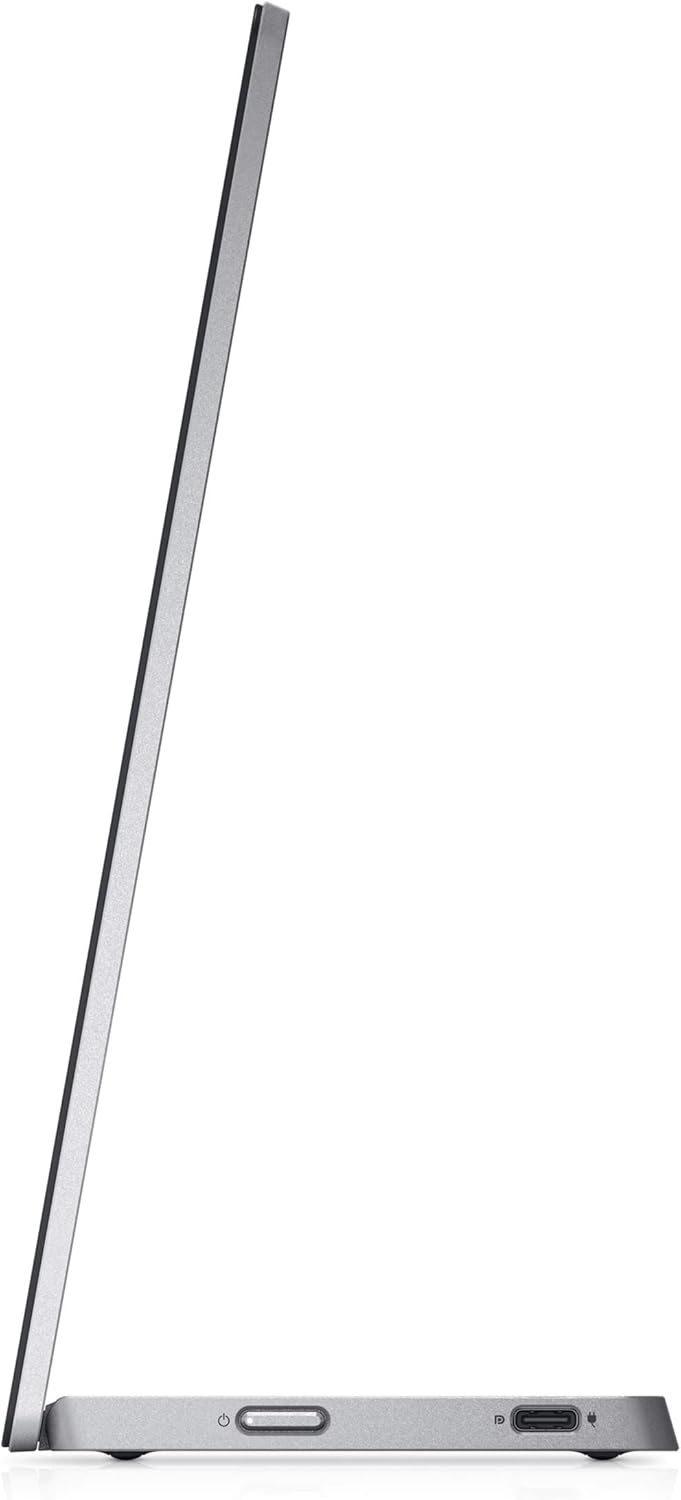
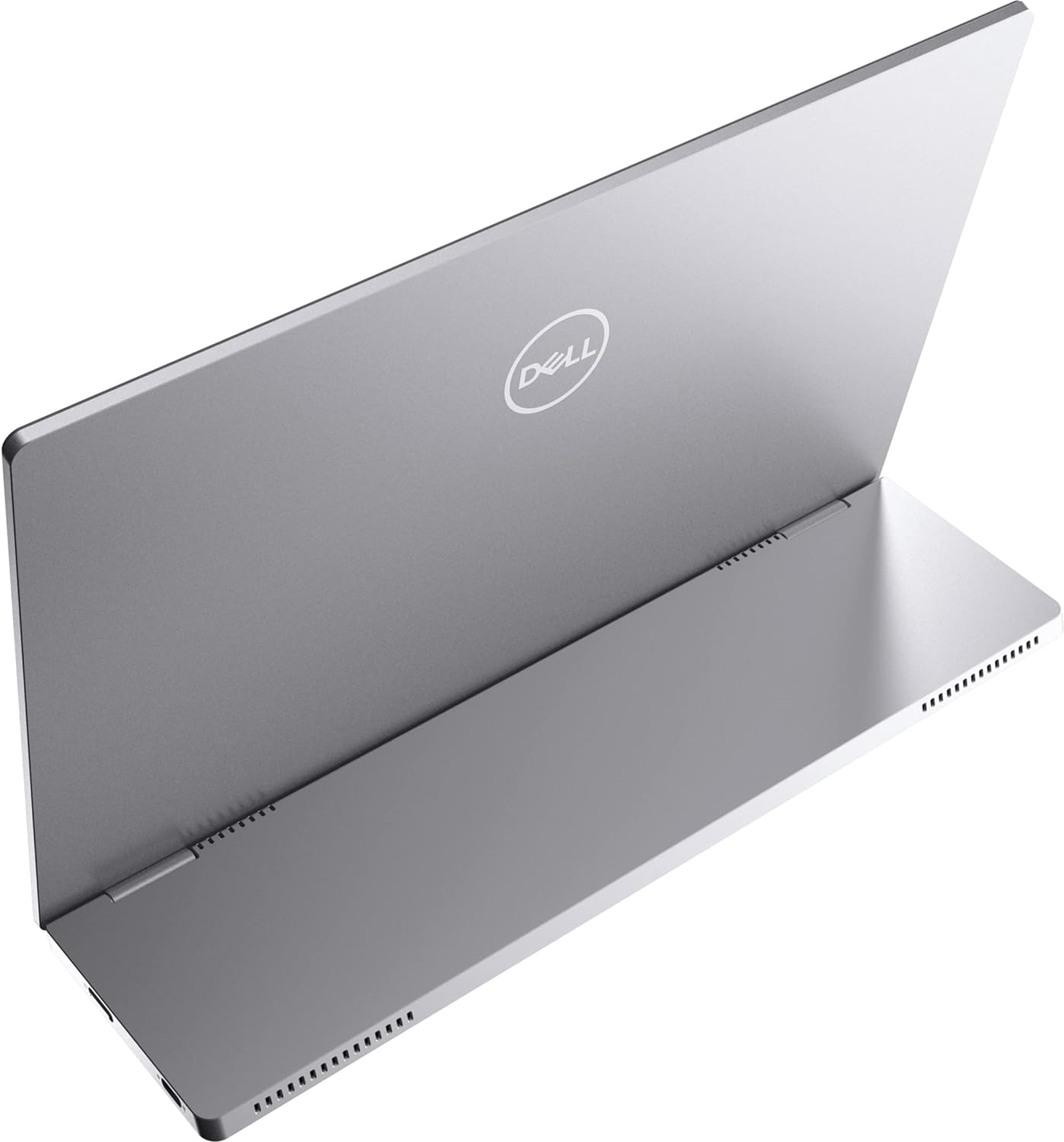
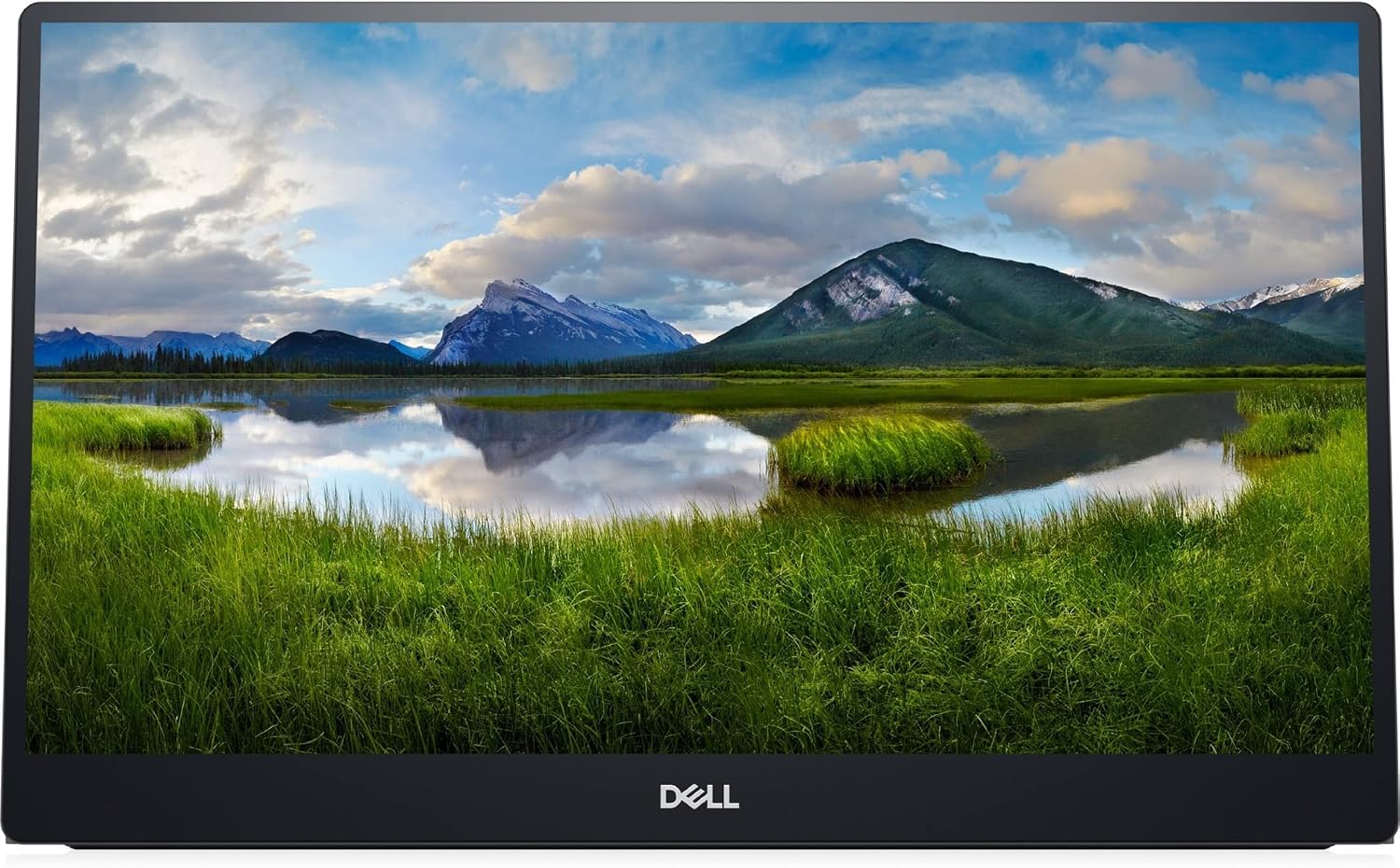
Expand your productivity on the goThe ultimate laptop companion: Experience dual-screen productivity anywhere with this ultralight, ultrathin 14" FHD portable monitor, weighing less than a pound and a half and less than a quarter-inch thick at its slimmest.Dual-screen productivity, anywhere: Extend your screen at the office, at home or on the go with this convenient, compact display.Seamless views: Expand your screen with this FHD panel featuring In-Plane Switching (IPS) technology providing wide viewing angles, perfect for collaboration.Captivating front-of-screen: Light up your display with easy-access controls that give you fantastic pictures and video indoors or outdoors. Adjust your screen with up to a peak brightness of 300 nits.Take convenience with youEfficient plug and play: Easily set up your monitor with a single USB-C® cable transmitting both video and power for efficient plug and play and quick transitions.Flexible cable: Enjoy a clean setup and greater mobility with a USB-C cable designed to move smoothly and efficiently. This soft, pliable wire is easy to carry and fits in any bag.Versatile design: Conveniently set up your monitor to the left, right or behind your laptop; the dual USB-C ports on each side allow for versatility and better portability.Power pass through: Work without disruption with power pass through functionality.iEasy and modular: Enjoy the convenience of USB-C connectivity and its efficiency in connecting to Dell USB-C systems and devices.Collaborate with comfort and peace of mindReady for collaboration, anywhere: Seamlessly work together with a 14" portable monitor designed for easy sharing and presenting.Flex to your comfort: Get comfortable anywhere you go, with a continuous tilt stand that bends from 10 to 90 degrees-enough flexibility to keep up with your work.Easy on the eyes: Optimize eye comfort with ComfortViewi, a feature that reduces harmful blue light emissions at the press of a button.Convenient display: Enjoy simple on-screen display with quick access buttons for brightness and ComfortView.Full reliability and protection: Have peace of mind wherever you go-this monitor comes with a protective sleeve as well as a 3 Year Advanced Exchange Service.Green thinking: for today and tomorrowEnvironmental standards: Designed with the environment in mind, this monitor meets the latest regulatory and environmental standards such as EPEAT®i Gold, RoHS Compliant and ENERGY STAR®
- 16:9 widescreen resolution perfect for watching movies, playing video games and getting on with office work
- 14" screen size with 1920x1080 resolution provides a native display of a Full HD video sources without any degradation due to down-sampling technologies
- 300 Nit brightness gives an exceptional visible display for clear and consistent on-screen pictures
- Minimize blurring and smearing during motion and gaming sequences with a 6 ms response time to provide a clear picture
| UPC | 884116415572 |
|---|---|
| Brand | Dell |
| Color | Silver |
| Shape | Rectangular |
| Voltage | 5 Volts |
| Brightness | 300 cd/m² |
| Model Name | 14 Portable Monitor - C1422H - 35.5 cm (14.0") |
| Resolution | Full HD |
| Unit Count | 1.0 Count |
| Item Weight | 1.3 Pounds |
| Pixel Pitch | 6.3 |
| Screen Size | 14 Inches |
| Aspect Ratio | 16:9 |
| Display Type | LCD |
| Manufacturer | Dell Computers |
| Model Number | C1422H |
| Refresh Rate | 60 Hz |
| BuiltIn Media | Information Not Available |
| Mounting Type | Wall Mount |
| Response Time | 6 Milliseconds |
| Screen Finish | Glossy |
| Viewing Angle | 178 Degrees |
| Contrast Ratio | 700:1 |
| Item Type Name | LCD Monitor |
| Total Usb Ports | 1 |
| Has Color Screen | Yes |
| Native Resolution | 1920x1080 |
| Compatible Devices | Dell USB-C systems and devices |
| Display Technology | LCD |
| Additional Features | Portable |
| Warranty Description | Information Not Available |
| Hardware Connectivity | USB Type C |
| Connectivity Technology | USB |
| Item Dimensions D x W x H | 0.56"D x 12.69"W x 7.98"H |
| Specific Uses For Product | Office,Gaming |
| Display Resolution Maximum | 1920 x 1080 Pixels |
| Total Number of HDMI Ports | 1 |
| Number of Component Outputs | 1 |
| Picture Quality Enhancement Technology | ComfortView, IPS |



Bestseller ranking
Monitors




Correction of product information
If you notice any omissions or errors in the product information on this page, please use the correction request form below.
Correction Request Form